
The Sweet Tale of Cookies in Next.js 🍪 (No, You Can’t Eat These!)
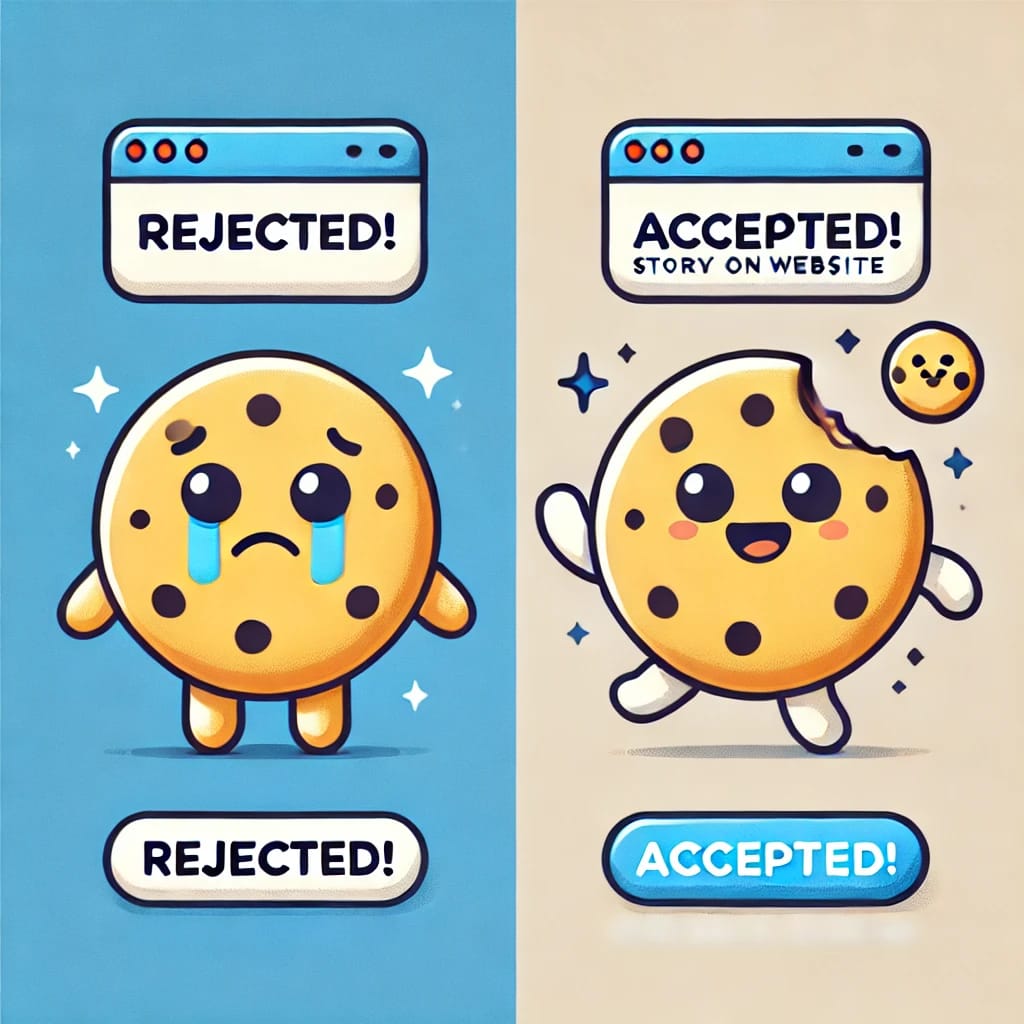
Once upon a time on the internet, there lived magical little creatures called cookies. Now, don’t get excited—they’re not chocolate chip, not even oatmeal raisin. These cookies are tiny bits of data stored in your browser. They have one job: to help websites remember who you are. Let’s dive in and explore cookies, their behavior, and their role in Next.js, but I promise, this won’t be boring—maybe slightly crunchy. What Are Cookies, Anyway? 🤔 Imagine you walk into your favorite café ☕, and the barista remembers your name, your favorite latte, and the fact that you love a slice of pie on Fridays 🍰. That’s what cookies do for websites! They remember who you are (session cookies) 🧑💻. They keep track of what you’ve done (e.g., what’s in your shopping cart 🛒). Sometimes, they even try to spy on you for ads (third-party cookies—ugh, those nosy little things 👀). In Next.js, cookies can be set on the server or client side. They’re like tiny messengers 📬 that keep the conversation going between you and the website. Cookie Consent Banners: "Do You Accept My Proposal?" 💬 You’ve seen it—a website pops up and practically begs: "Hi, can we please store cookies on your device? Pretty please? With GDPR sprinkles on top 🍩?" This is because privacy laws like GDPR (in Europe 🌍) and CCPA (in California 🇺🇸) decided that cookies can’t snoop on you without your permission. Websites now have to ask for your consent before dropping their crumbly goodness onto your browser 🍪. Why does this matter? If you say "Yes", the website can track your activity (like a well-meaning but clingy friend 🤗). If you say "No", no cookies will track you, but some features might stop working—like a sad café forgetting your pie on Friday 😢. Notification Permissions: The Pushy Cousin of Cookies 📨 You’re happily scrolling, and suddenly, BAM—a browser pop-up asks: "Allow us to send you notifications?" Translation: "Can we be that annoying friend who texts you at 2 AM? 📱" These aren’t cookies but push notifications. If you say "Allow", the website can send updates straight to your browser—news alerts 📰, sale reminders 🛍️, or a desperate cry for attention 📣. If you click "Block", no hard feelings—they’ll just cry silently in the corner 😔. Why This All Matters (Besides Making You Laugh 😂) Cookies help websites remember you 🤖. Cookie consent banners keep the law happy ⚖️. Notification permissions let websites slide into your browser’s DMs 📩. So, the next time a website asks if it can store cookies, think about whether you want a loyal barista ☕ or just some peace and quiet 🧘. And remember, in Next.js, cookies are your trusty sidekicks 🦸♂️—if you know how to use them! Now, how many cookies do you have stored in your browser? Probably enough to share with Santa 🎅.
Written By Fiza Rafakat
Published On December 26,2024

Dizzy Blog
Discover the art of storytelling, share your passions, and connect with a world of ideas—one blog at a time!
We love connecting! Reach us via email, phone, or find us on social media - let's stay in touch!
Email : fizarafakat@gmail.com
Phone : +92 30675 02568
Location : Karachi , Pakistan
Copyright © Fiza Rafakat
Comments
0